For municipalities
From the citizen’s phone to the crew in the field
Citizen app, case handling and field work in one system — built for the North Atlantic.
Sound familiar?
From many channels to one
 Preia AppReports in the appRoad crewGets the package
One system
How it fits together
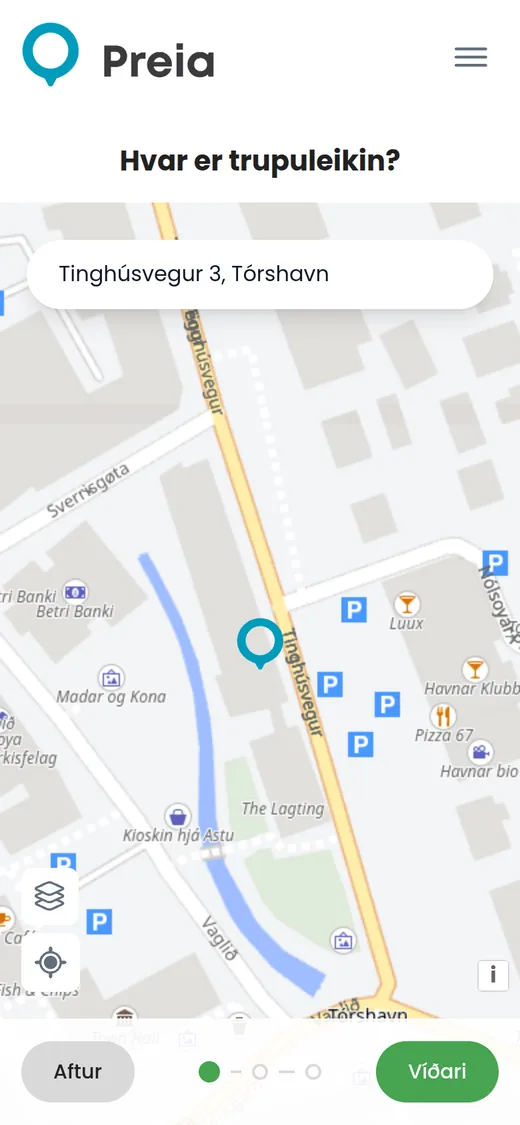
1Citizen app
Photo, location and category.
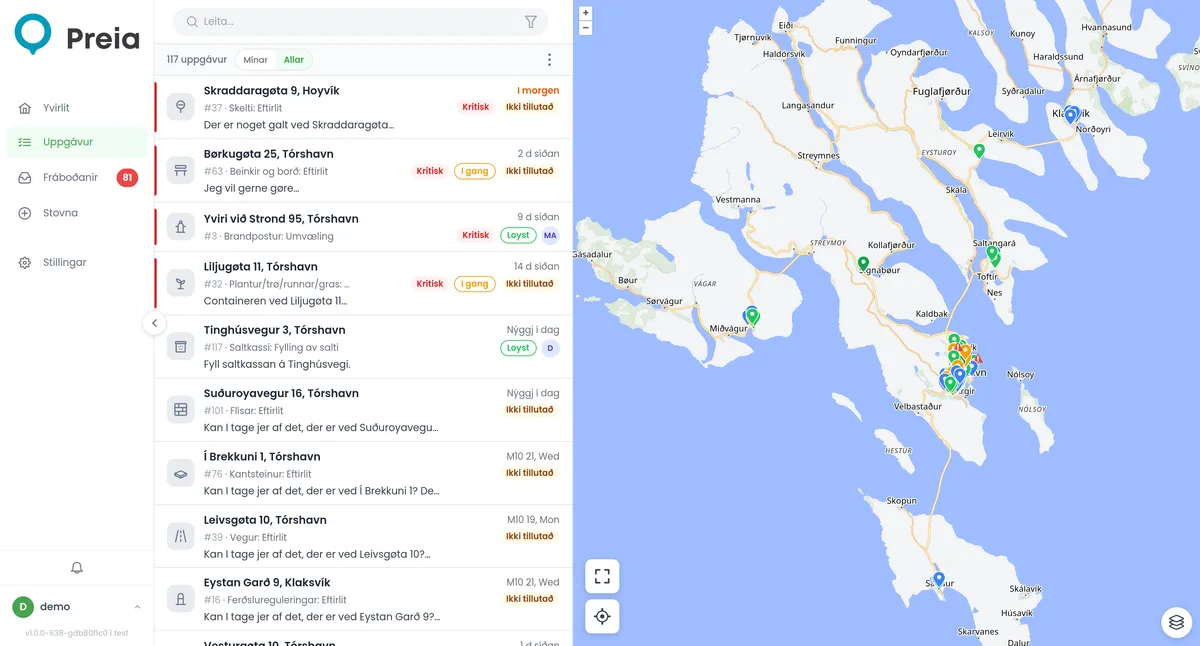
2Desk
An overview of all tasks — as a list and on a map.
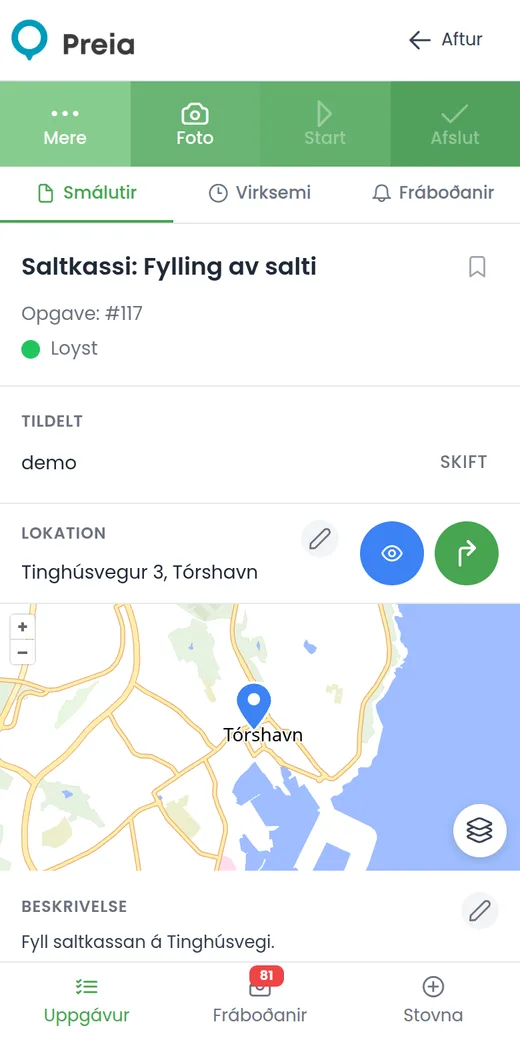
3Work
Done in the field — even offline.
All of Preia in your pocket
Plan, do and set up — from your phone
No PC needed.
Features
What you get with Preia
Planning
- Annual plan & calendar
- Recurring tasks
- Route optimisation
- Deadlines & targets
In the field
- Works offline
- Drive the route
- AR camera view
- Maps & navigation
- Inspections
Overview
- Assets from map layers
- Buildings & floor plans
- Automatic reports
- Real-time updates
Citizens
- iOS & Android app
- QR codes on site
- Case status page
- Ready-made replies
AI
Snap the problem. AI figures out the rest.
The citizen takes one photo. AI recognises the issue and fills in the report — they just check it and tap Send.
Optional add-on · Processed in Sweden (Azure EU) · Not used for training
AR for workers
Workers see every task and asset — even through the camera
Point the phone down the street and Preia shows what needs doing, where it is and how far away.
Routes
Save time — drive in the right order
Put the assets on a route with a start and an end. Preia suggests the shortest order by road, so the crew spends less time driving and more time on the job.
- 1.Draw the route — start, end and the assets on the map.
- 2.Optimise — Preia works out the shortest order along the actual roads. Lock the ones that must come first.
- 3.Drive — the app shows the next stop and tells you when you have arrived.
In the field
The app always shows the next stop
- Next stop with distance and direction — and what comes after.
- You have arrived — one tap records the asset and moves on to the next.
- Passed one? The app tells you, so nothing is missed.
Your position is only used on the phone and is never sent anywhere.
QR codes
Scan — and the report is already filled in
Put a tag on anything you look after. Citizens scan it, pick what’s wrong and send — the place, object and category are already known.

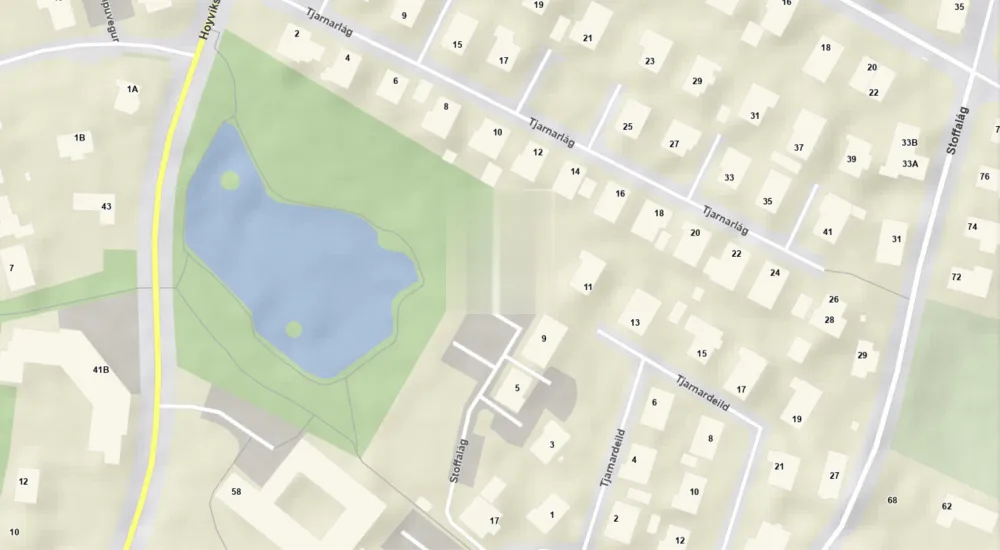
Built for the North Atlantic
In use today in the Faroe Islands and Greenland
Preia knows the local maps and address registers, so citizens find the right address straight away.
Preia can also be used in Denmark, Iceland and Norway.
Faroe Islands
Local maps and addresses · Faroese
Greenland
Local maps and addresses · Greenlandic
Getting started
Getting started is the easy part
Let us show you Preia — with your own municipality.
- Step 1We set it upCategories, maps and addresses. Nothing technical for you.
- Step 2Works from day oneReport, task and reply — right away.
- Step 3Start smallBegin with the citizen app. Add the rest later.
Local supplier · Local maps & addresses · Local language
Are you a resident?
Get the Preia app and report faults in your municipality